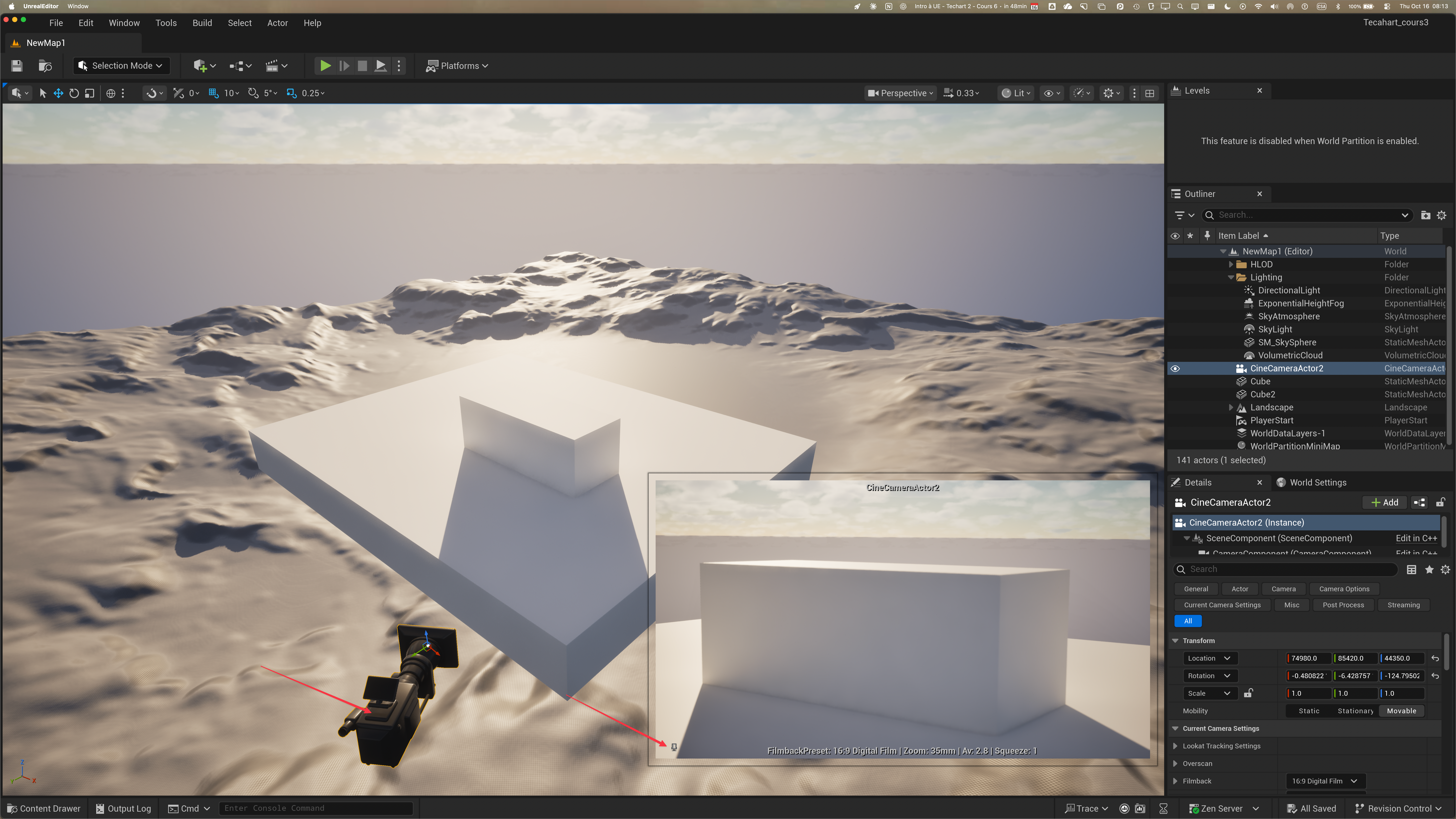
- Vous avez ajouté une Cinematic Camera à votre paysage Blocked-In?
- Placez-là adéquatement selon votre plus belle coposition et épinglez pour garder ce point de vue.
- Faites une copie de votre block-in map.
- Nommez-le L_MyModularDesign
- Allez sur Fab, cherchez pour “Modular” et activez le filtre “Free”.
- Downloadez, quand c’est possible, en mode Nanite Quality.
- Faire Add to Library pour les modular assets que vous voulez utiliser.
- Vous pouvez aller chercher plein d’autres objets, props, assets, etc.
- Placez vos static meshes pour créer votre environnement basé sur le block-in.
- LOD (Zoom in and out sur un 3D Asset en mode Wireframe) asset pour des assets qui ne sont pas Nanite
- LOD VS Nanite
- How to activate Nanite
- Ok, create a folder in the outliner to keep stuff nice and tidy
- You may want to increase the Texture Streaming Pool Size
- r.Streaming.PoolSize in the Cmd Line and hit enter to see the current Size.
- Type “r.Streaming.PoolSize 2000” and press Enter in the Cmd prompt to increase it.
- But this is temporary.
- To make it permanent, stop the UE Editor, go to the folder “Config” and open DefaultEngine.ini
- in section [/Script/Engine.renderSettings], add the line “r.Streaming.PoolSize=3000”.
- Save the file and close the text editor.
- Restart UE Editor.
- In the command line type r.Streaming.PoolSize and hit Enter.
- On your Level Editor, choose Settings (Top right) and choose Engine Scalability Settings if your FPS is too low.
- Place assets around your blocks.
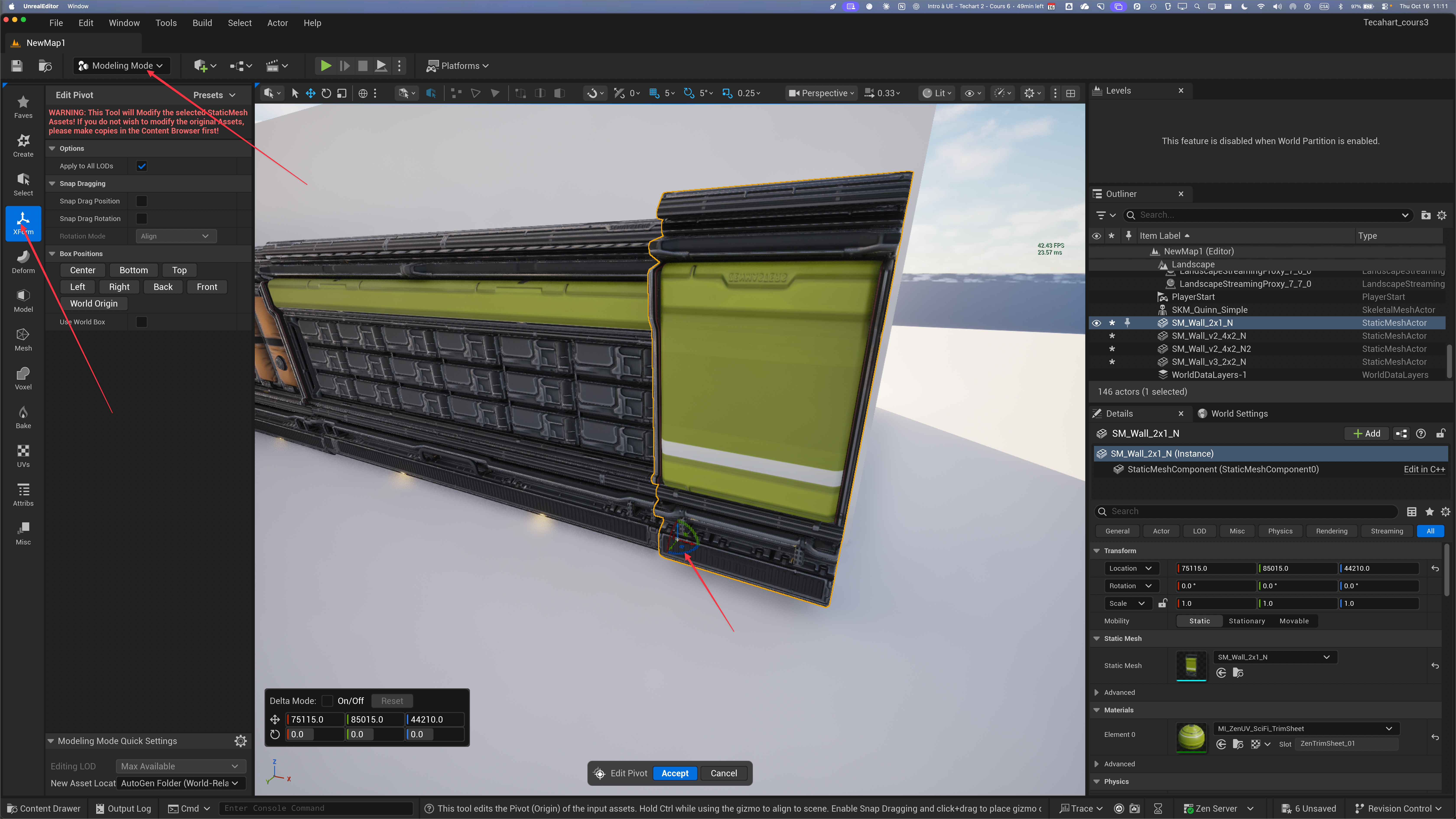
- Changing Gizmo Location:
- In UE 5.6, Alt-V and middle-mouse button change temporarily the Gizmo.
- If you want to permanently change the placement of Gizmo, you need to use the Transform option of the Modelling Mode:
- When you move an object, hold V and it will snap to another object.
- Alt-move makes a duplicate.